> For the complete documentation index, see [llms.txt](https://orbcity.gitbook.io/orbcity/llms.txt). Markdown versions of documentation pages are available by appending `.md` to page URLs; this page is available as [Markdown](https://orbcity.gitbook.io/orbcity/getting-started/how-to-start/for-non-nfts-holders.md).
# For Non-NFTs Holders
### 1. Lay-Bouring System & Scrap pool
#### [What's the Lay-Bouring System?](/orbcity/lay-bour/lay-bouring.md)
#### Go to [**OrbCity official website**](https://orbcity.io/) and Click the 'Connect wallet' button in the top right corner to connect your wallet.
#### Here’s how users can Lay-bouring.
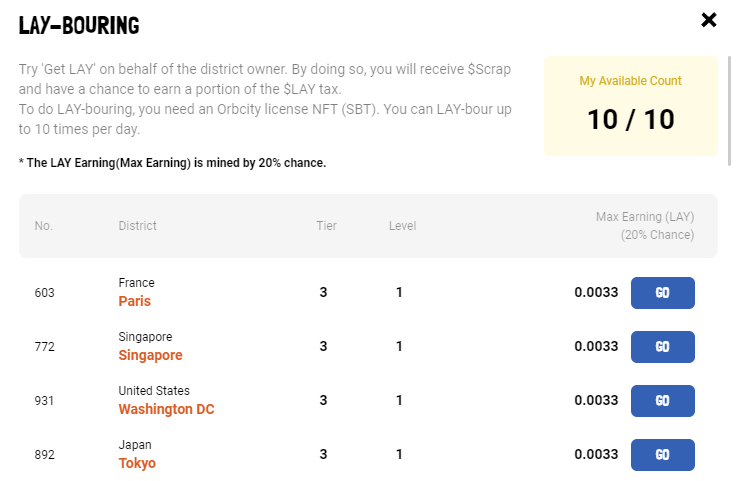
There is a ‘Lay-bouring’ button on the right side of OrbCity map. If you click it, a pop-up to show available districts, administrative boundaries for lands, for Lay-bouring. (Figure #1)
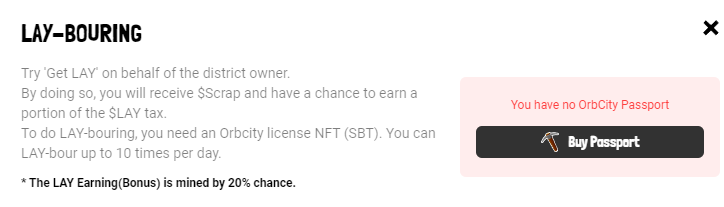
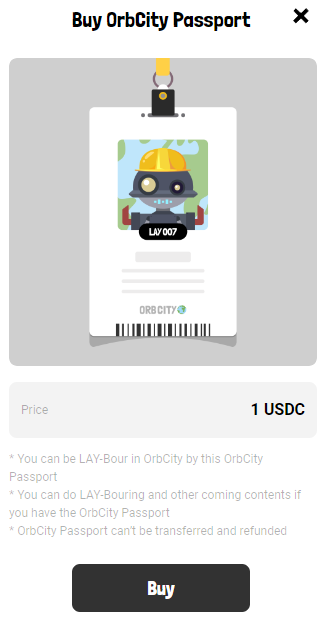
To do LAY-bouring, you need an Orbcity passport NFT (SBT). You can do LAY-Bouring and other coming contents with OrbCity Passport. It’s 1 $USDC and can’t be transferred and refunded.
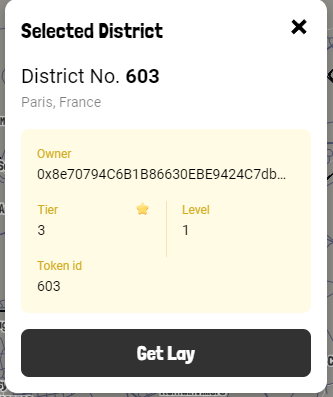
Clicking the ‘Go’ button will send you to the Lay-bouring district. You can find the ‘Get Lay’ button below the district information pop-up. (Figure #2)
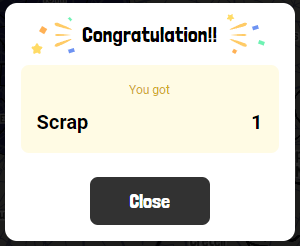
By clicking on ‘Get Lay’ button, you can earn $Scrap and $Lay if you are lucky. But you will have to hurry before others do LAY-bouring! Once LAY-bouring is done, the district will need another 2 hours to regenerate the resources, $Lay & $Scrap. You can lay-bour up to 10 times per day. Updated daily at 0AM UTC.(Figure #3)
**Burn $Scrap and Get $Orb**
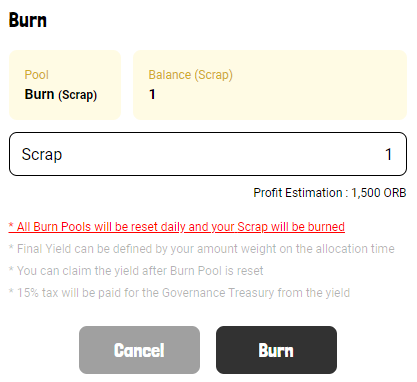
When $Scrap enters the system, a Get Orb pool is opened that burns $Scrap to obtain $Orb.
Enter the number of $Scraps you’d like to burn, and you’ll see how much $Orb you should expect to get ($Scrap can be up to two decimal places).
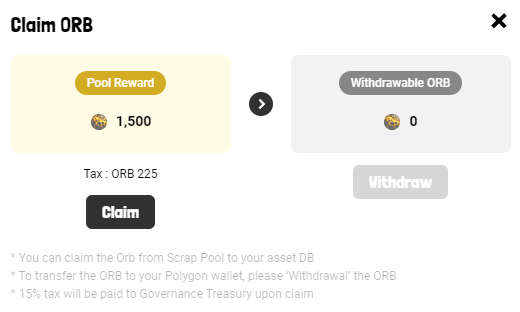
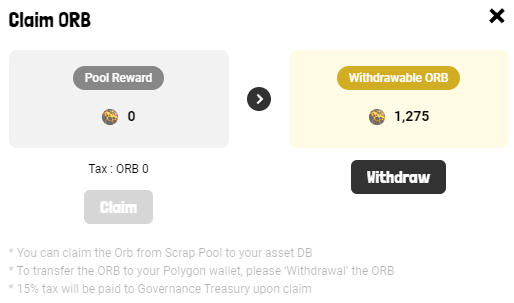
You can move the earned $Orb to your DB wallet by pressing the ‘Claim’ button(***This process incurs a 15% tax, which goes into the governance treasury***). After that, you can withdraw the $Orb to your on-chain wallet by pressing the ‘Withdraw’ button.