> For the complete documentation index, see [llms.txt](https://orbcity.gitbook.io/orbcity/llms.txt). Markdown versions of documentation pages are available by appending `.md` to page URLs; this page is available as [Markdown](https://orbcity.gitbook.io/orbcity/economy/nfts/lay007-nfts.md).
# LAY007 NFTs
### Lay Laboratory
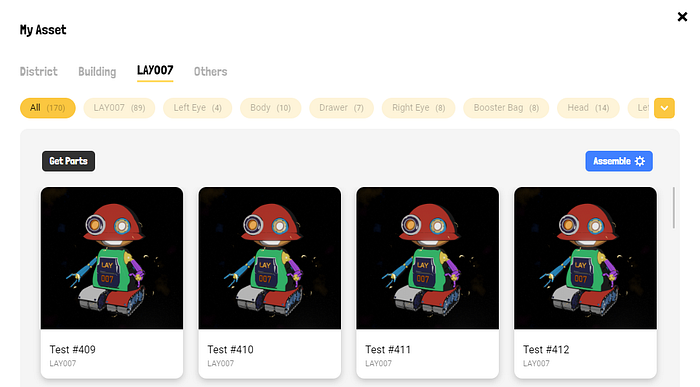
You’ll be able to manage your Lay 007 Robot(NFTs) and its Parts(NFTs). You’ll be able to assemble different colors and forms of Lay Parts. Collect extraordinary parts NFTs to show off and unlock new opportunities. Finally, Name your LAY 007 Robot as a collection.
* Lay Parts (NFTs)\
\- Users can get Lay parts(NFTs) by using Lay tokens.\
\- Users can create Lay 007 Robot(NFTs) by assembling Lay Parts\
\- Users can get $Orb(Tokens) by participating Lay Parts Pool (Burn Pool).
* Lay Robot (NFTs)\
\- Users can get land districts by sending Lay 007 Robot to explore.\
\- Users can construct the building by using Lay 007 Robot.
### How do I get Parts?
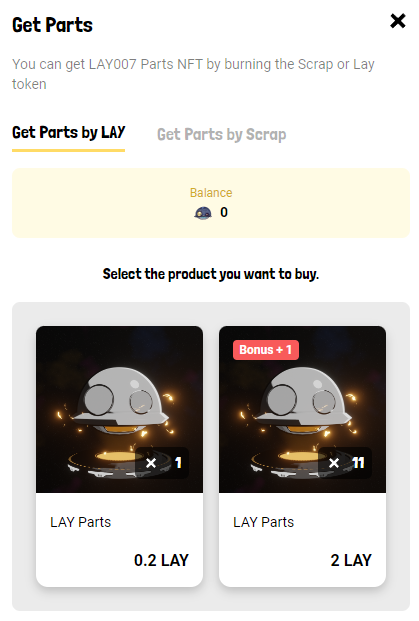
LAY007 Parts can be obtained by burning $Scarp or $LAY.
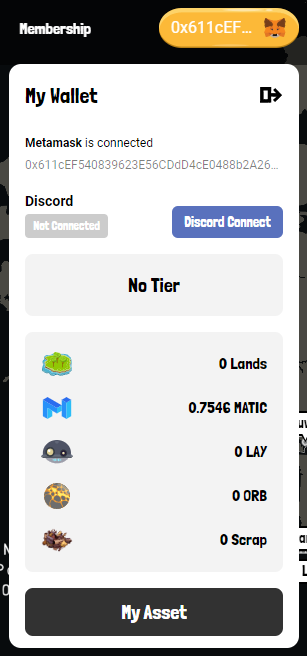
1. Visit the [OrbCity Map](https://orbcity.io/map/) and tap the wallet address in the top right corner. Go to ‘My Asset’
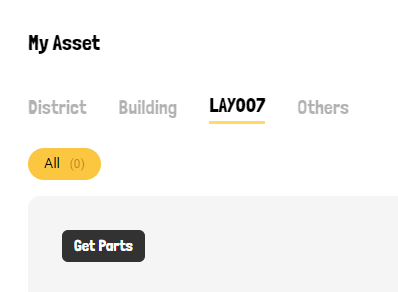
2\. Access the ‘LAY007’ tab and click ‘Get Parts’.
3\. You can attempt to unbox the Parts by burning either 0.2 $LAY or 5 $Scrap. The probability of each is as follows.
{% hint style="info" %}
**$Scrap**
Price : 5 $Scrap\
*Result*\
. 49.5% : 0.5 Scrap (Failed)\
. 45% : Time Coupon (1hour)\
. 0.5% : 2.5% Exploring Chance Coupon\
. 4.5% : 1 Part (Random)\
. 0.45% : 3 Parts (Random)\
. 0.04% : 5 Parts (Random)\
. 0.01% : 10 Parts (Random)
***If you try to make 10 at once, you get a 10% bonus.***
{% endhint %}
{% hint style="info" %}
**$LAY**\
Price : 0.2 $LAY\
*Result*\
. 70% : 1 part\
. 30% : 2.5 Scrap.
***If you try to make 10 at once, you get a 10% bonus***
{% endhint %}
### How to assemble the LAY007 robot?
Once you have collected all the parts, you can assemble LAY007 by following the steps below.
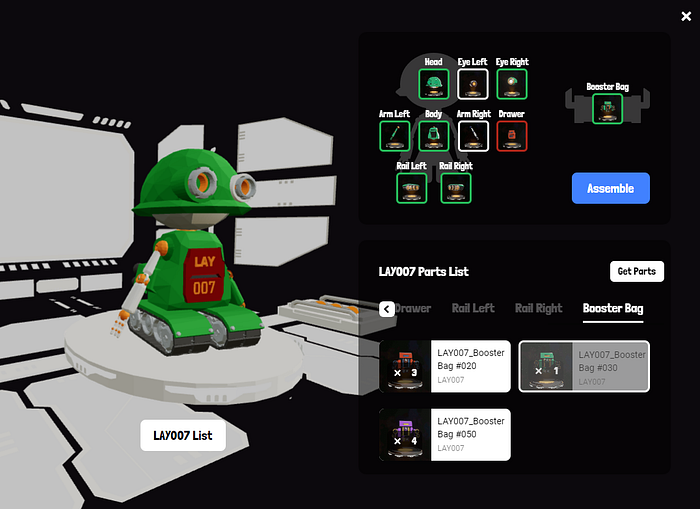
1. Go to the LAY007 tab in My Asset and click ‘Assemble’.
2\. Select each part one by one, regardless of color, and click ‘Aseemble’.
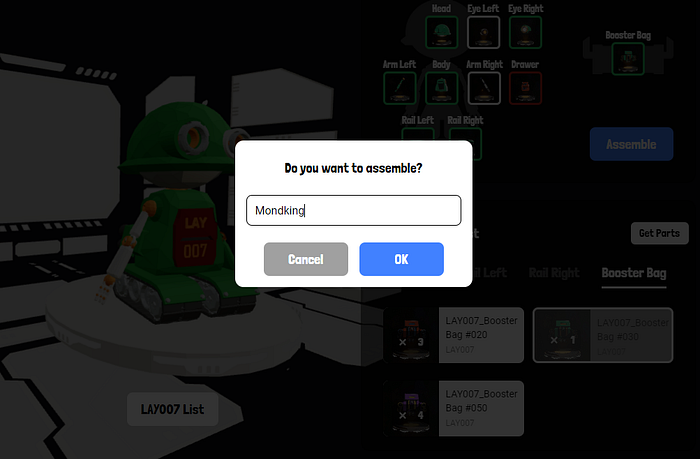
3\. Give your robot a name and press ‘OK’.
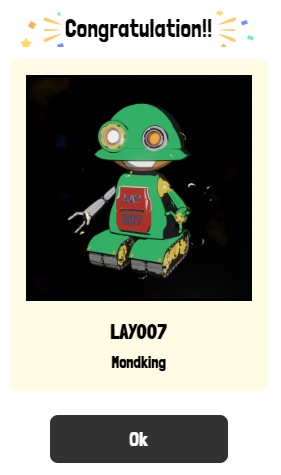
4\. Done!